
 iOS
 Android
A simple way to record your treatments, always at hand.
For fruit growers, farmers and gardeners. Record your treatments and keep your spray records, with products, PDF labels and your full history in one place.
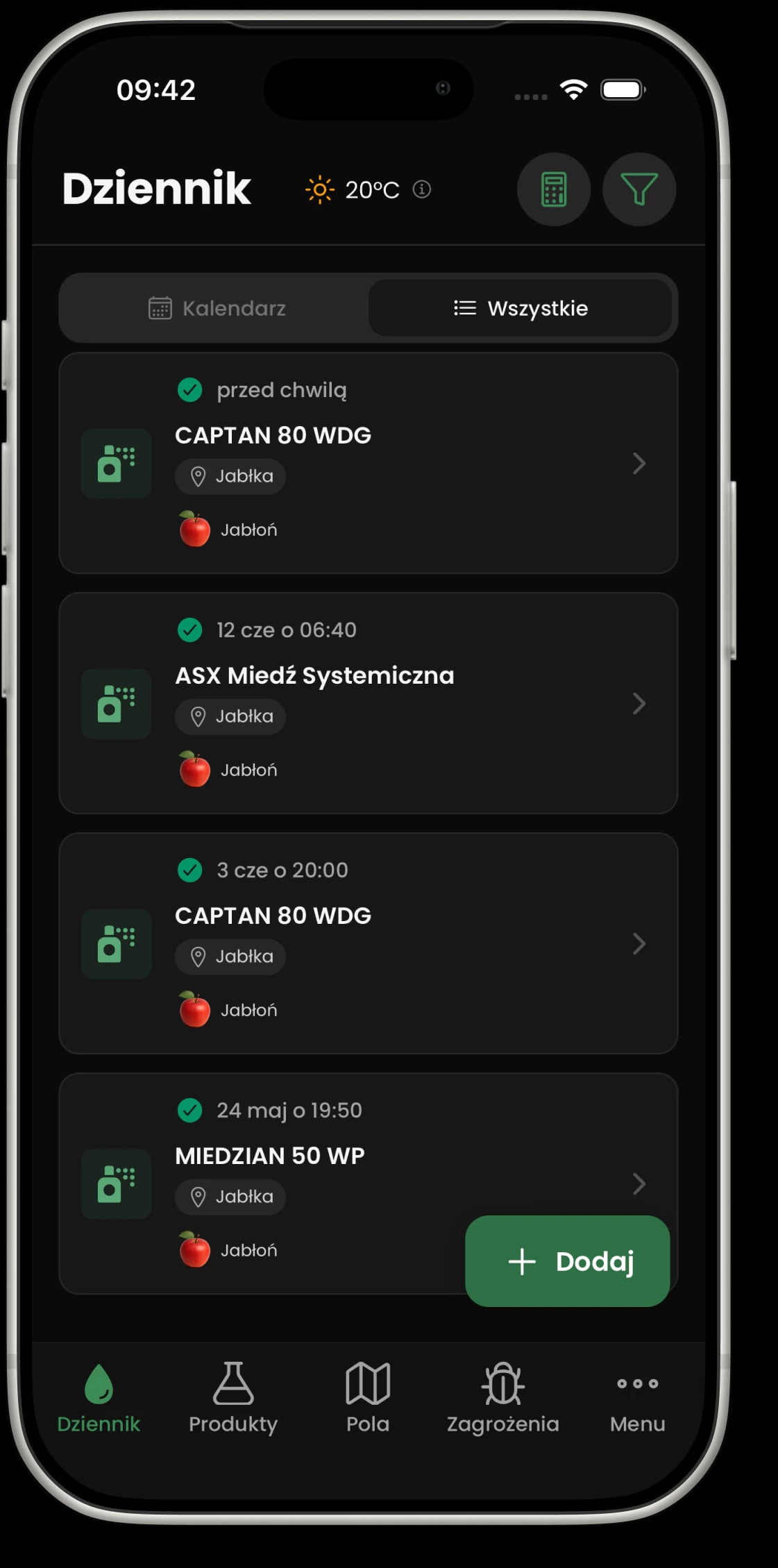
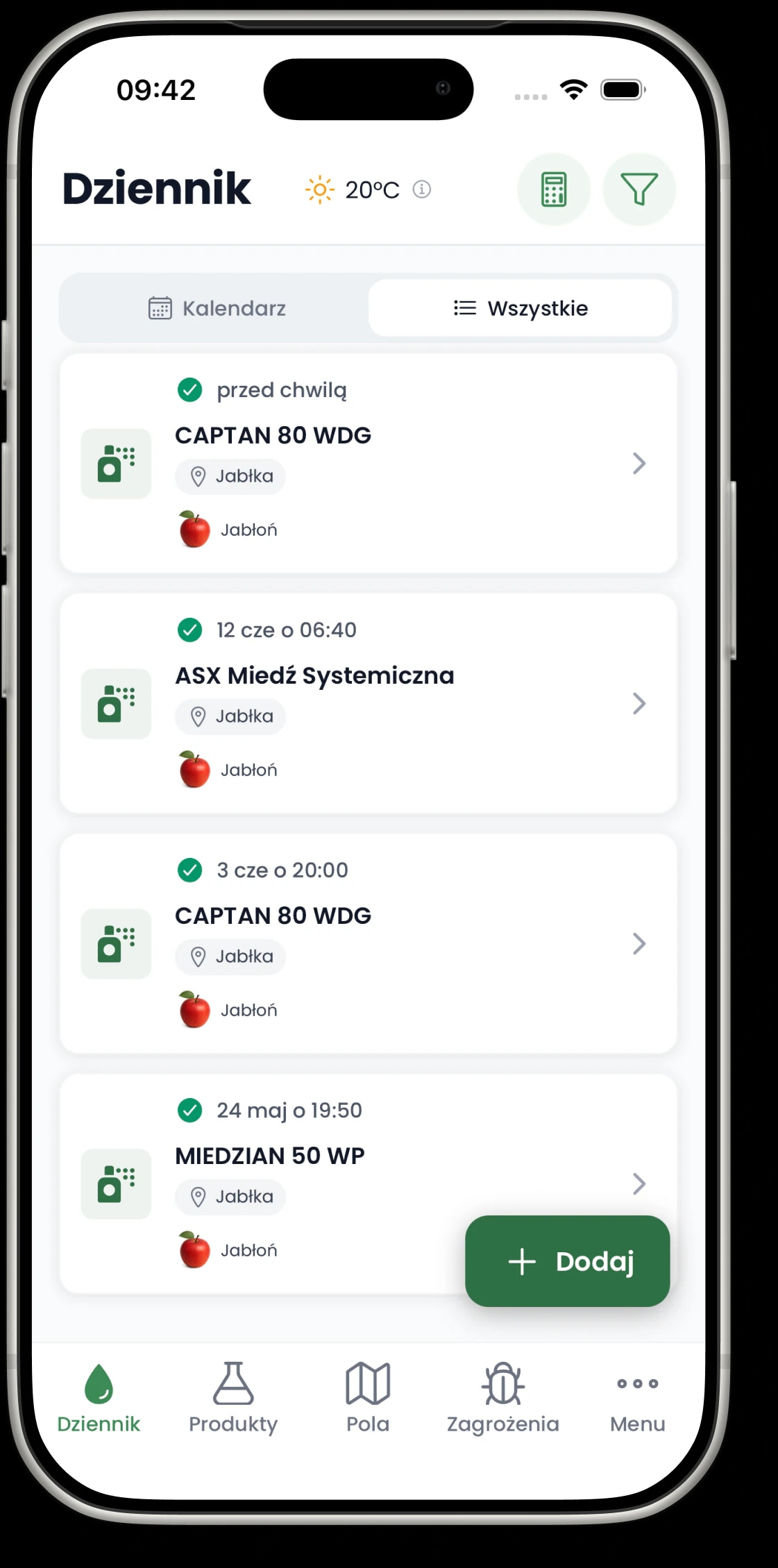
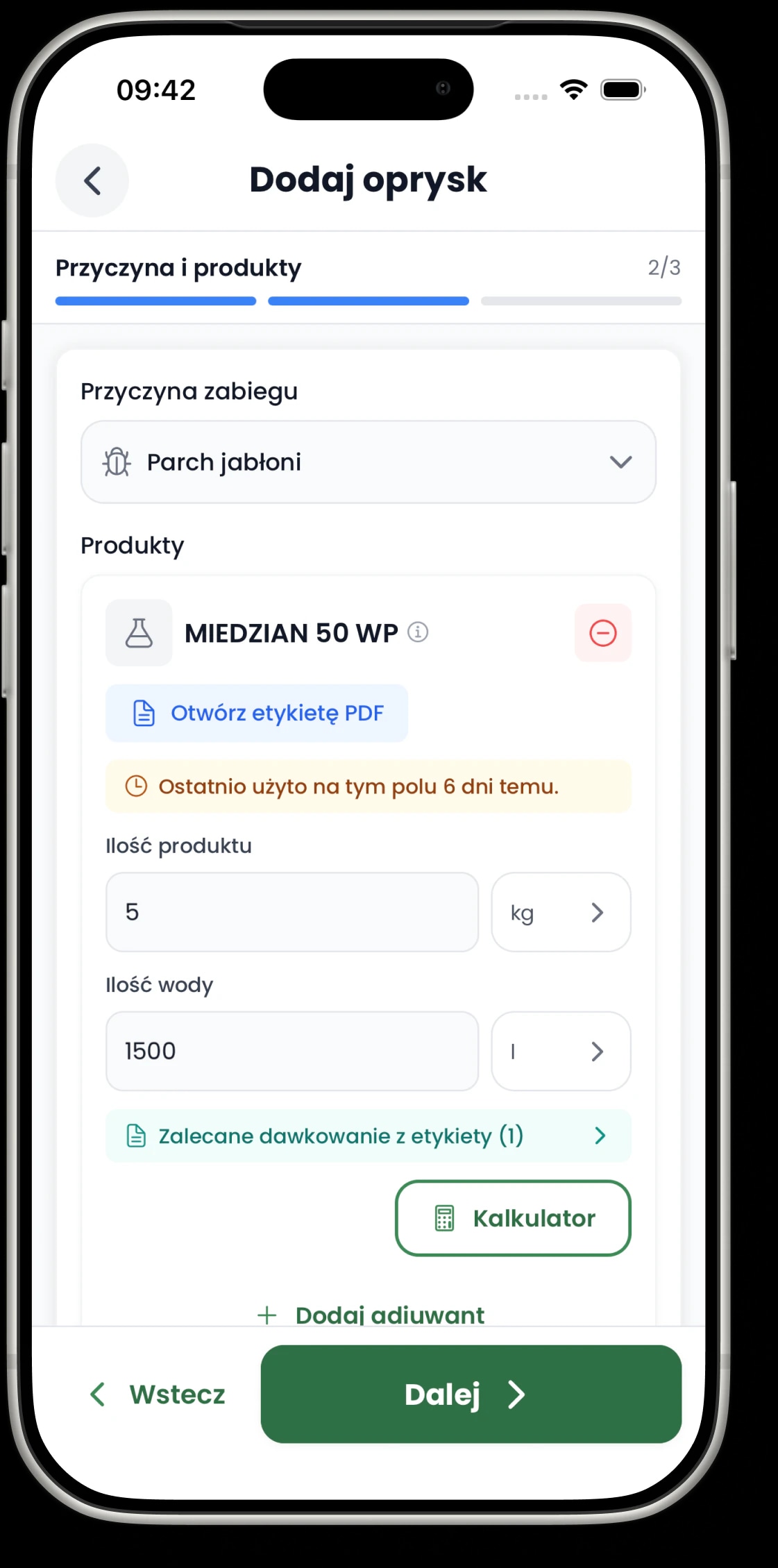
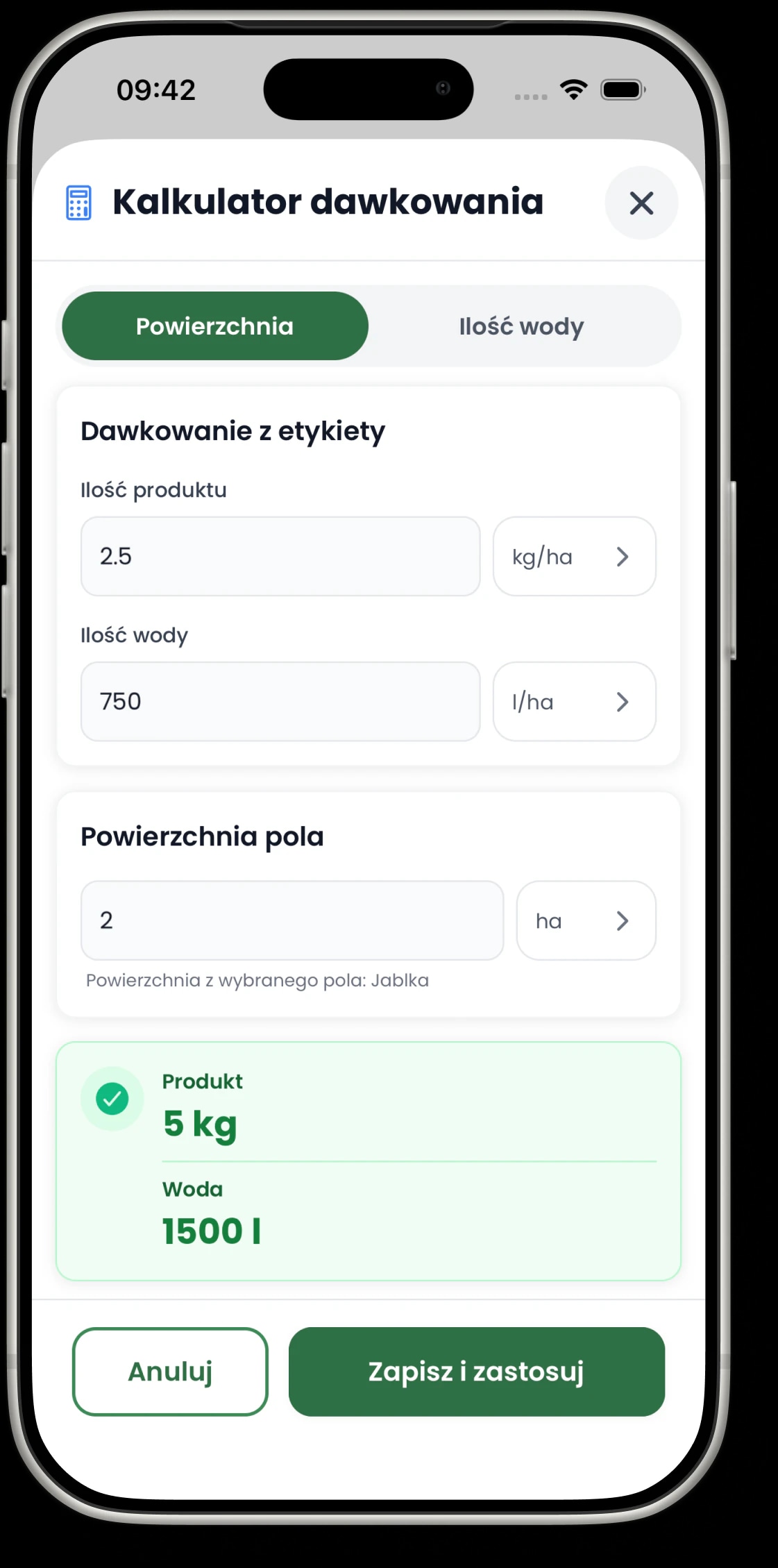
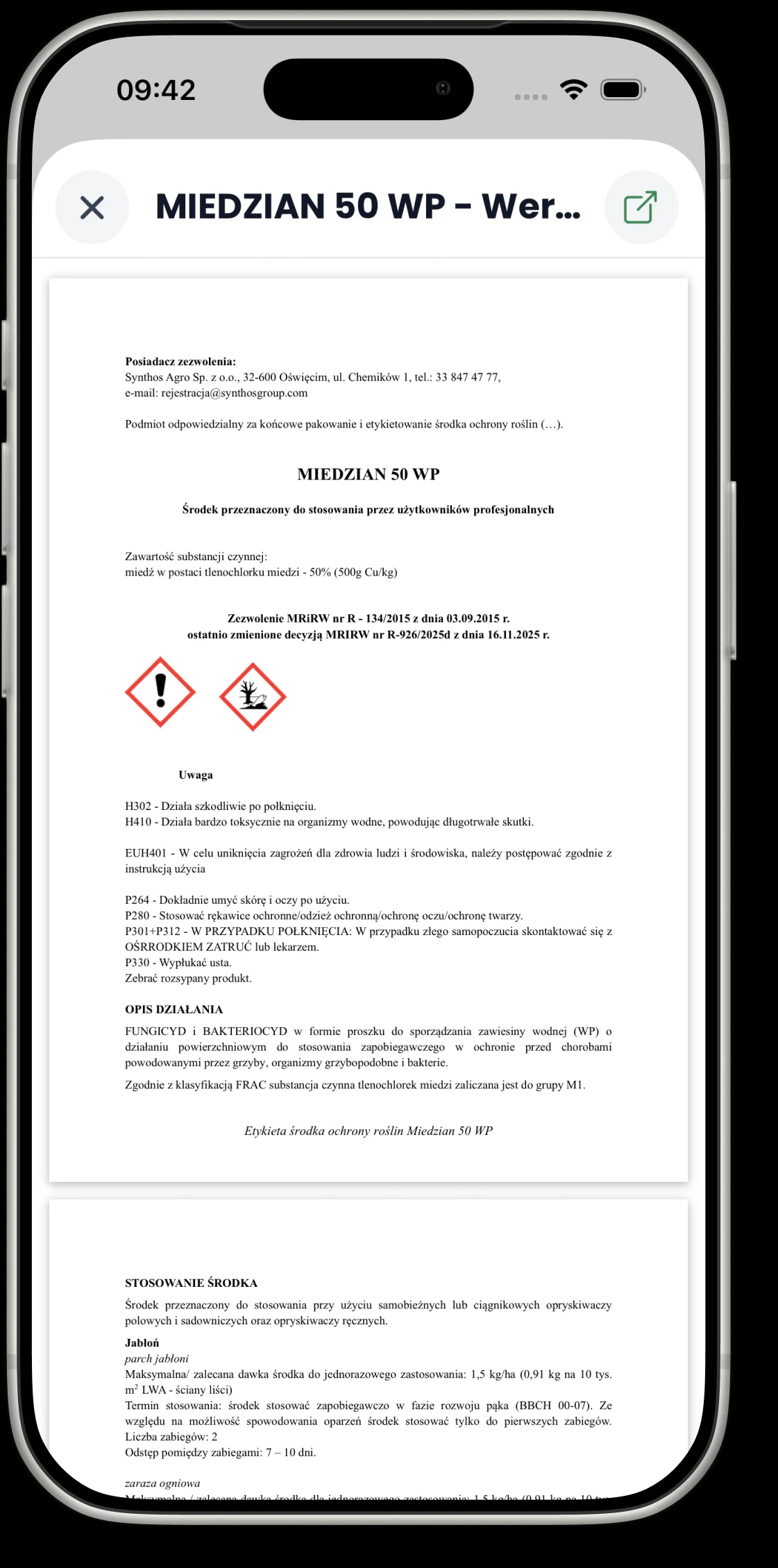
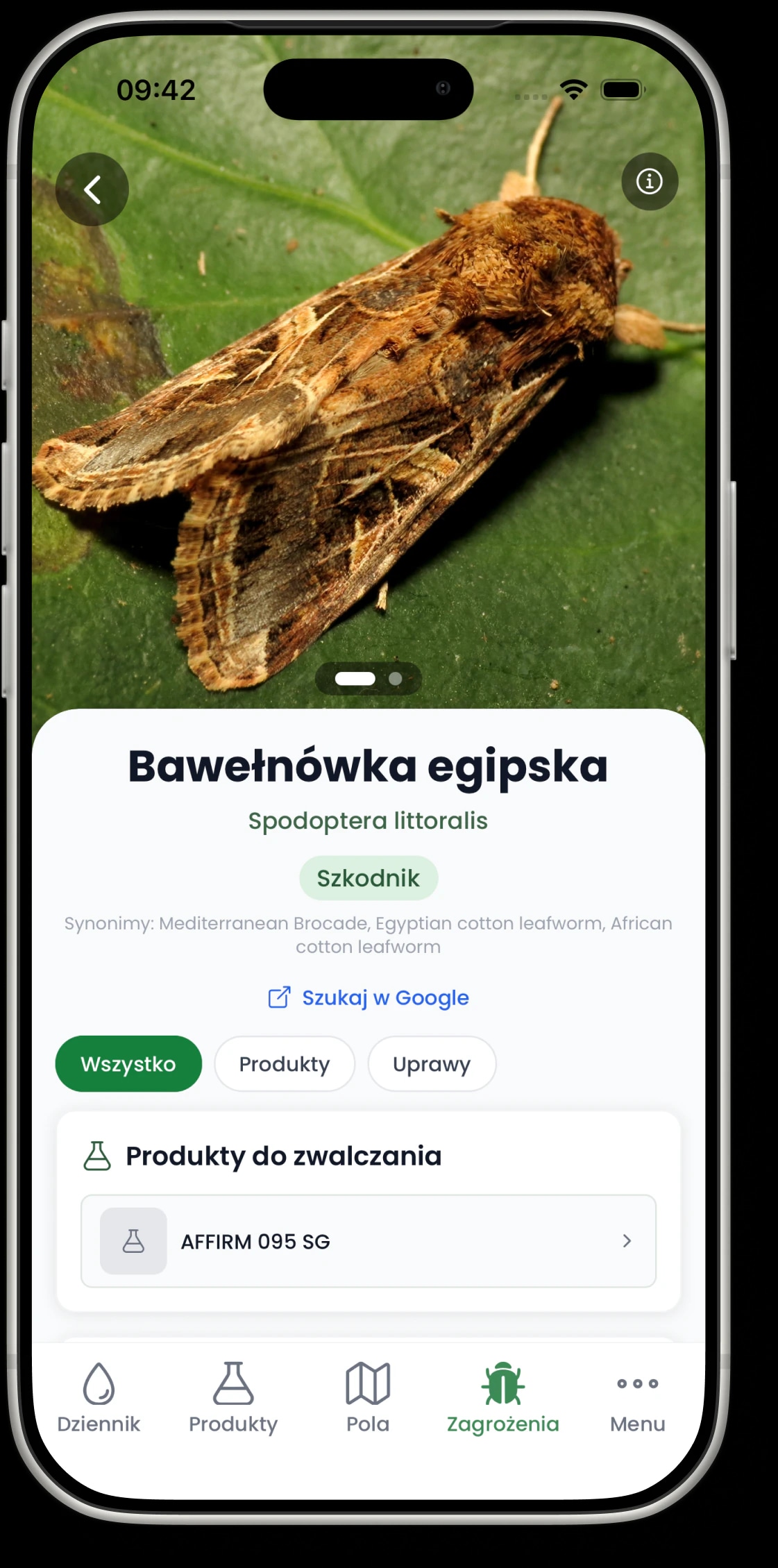
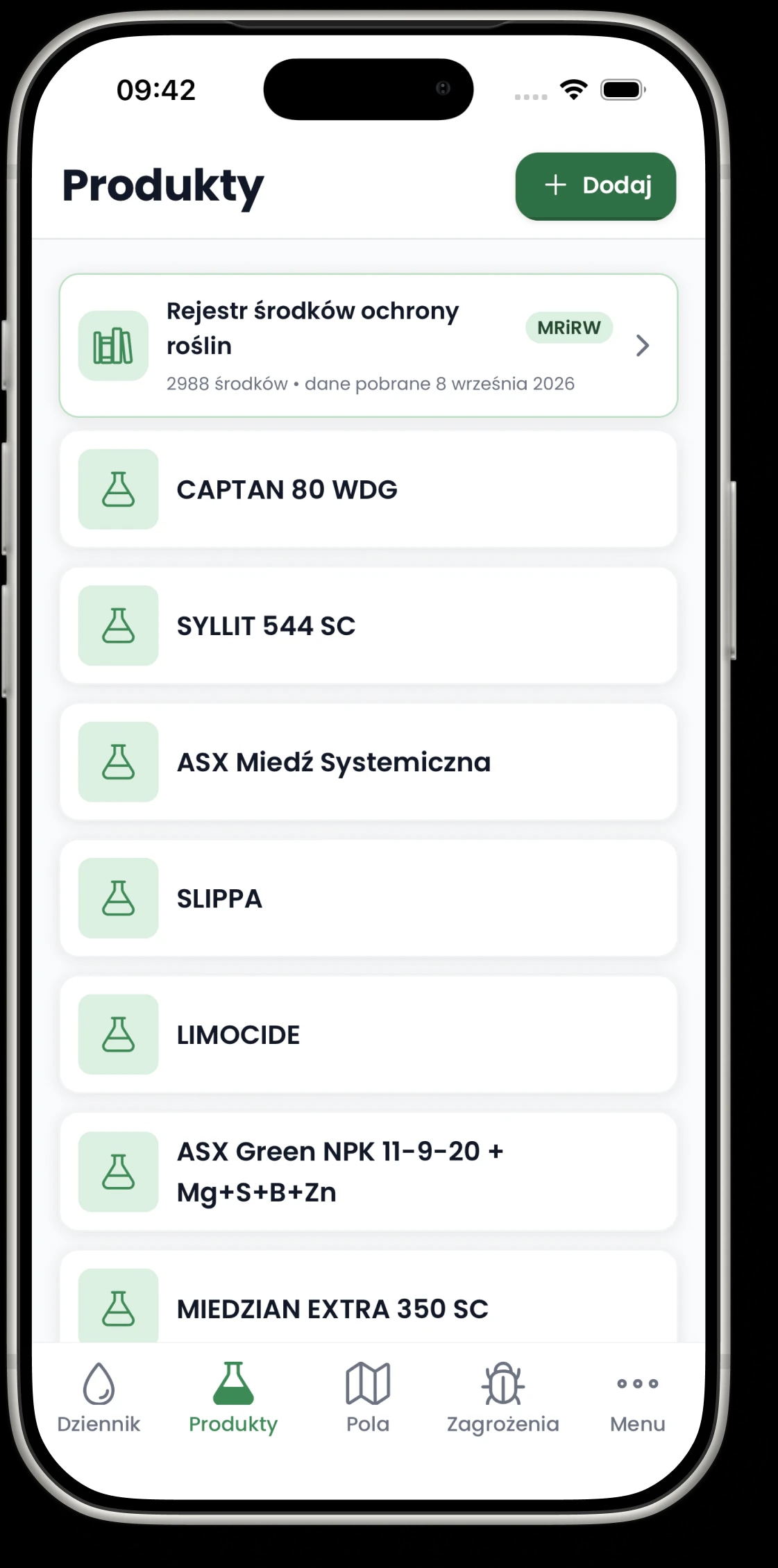
Everything you need, right where you record a treatment.
Products, PDF labels, pests and diseases, and your past entries are all close at hand while you record a treatment. It just makes day-to-day work easier.
How you record a treatment
It all follows one simple flow, with steps that fit the way you work in the orchard, in the field or in the garden.
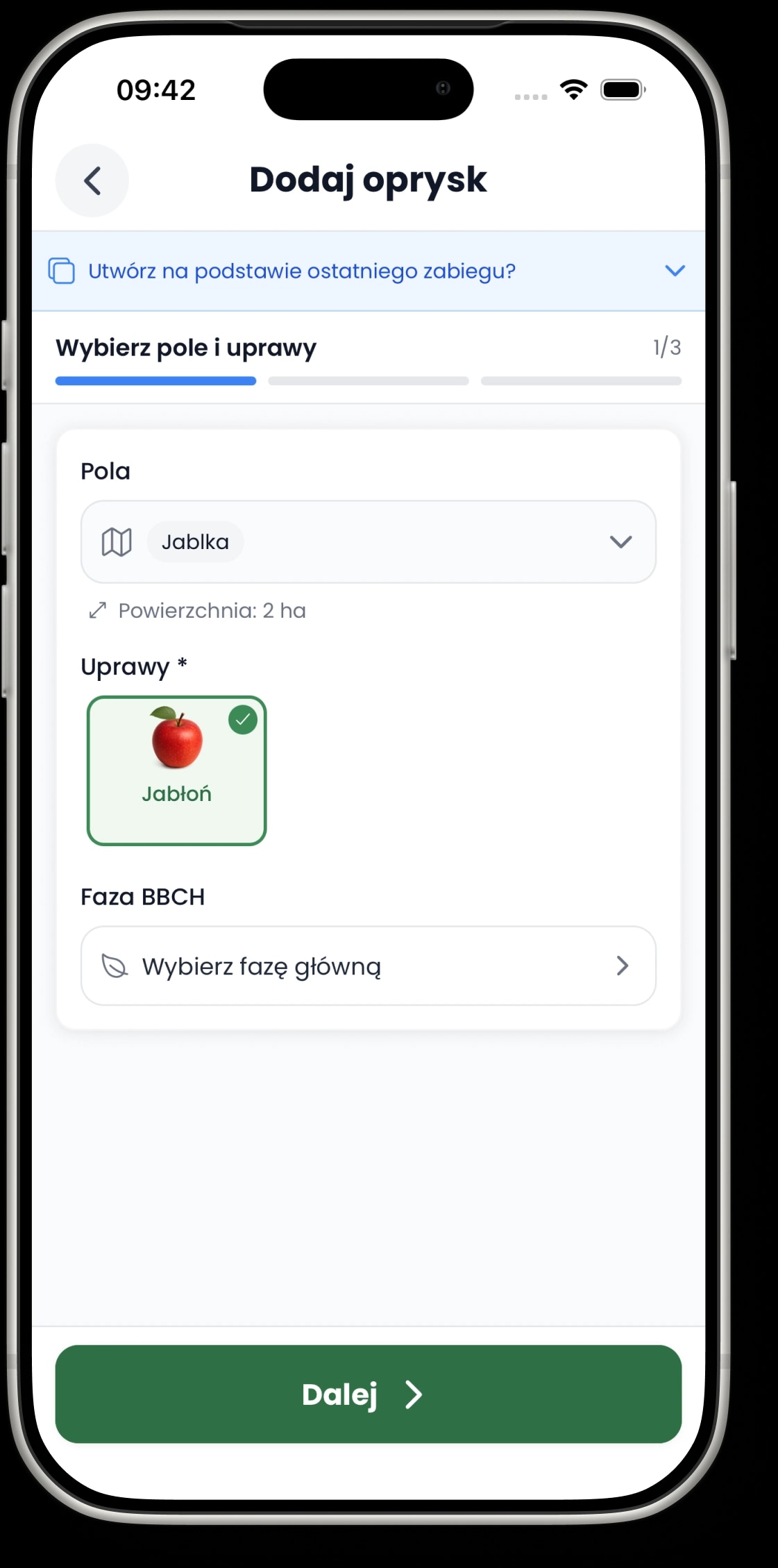
Choose the field and crops
Start with where you are spraying and what is growing there, so from then on you only see what fits this treatment.
Pick the product and dose
The PDF label and dosage are right next to the product, so you never have to leave the form.
Work it out in the calculator
Calculate straight away how much product and water you need for the job.
Save it and come back later
Add the date and treatment details, and you are done. The entry is easy to find again later.


Your whole treatment history in one place.
Every treatment you save goes into a tidy history. When you need your spray records for an inspection or paperwork, you can download everything to PDF or Excel/CSV in seconds.
- all your entries in one organised place
- export to PDF and Excel/CSV whenever you need
- records ready for inspections and paperwork
The full app in your browser, on a big screen.
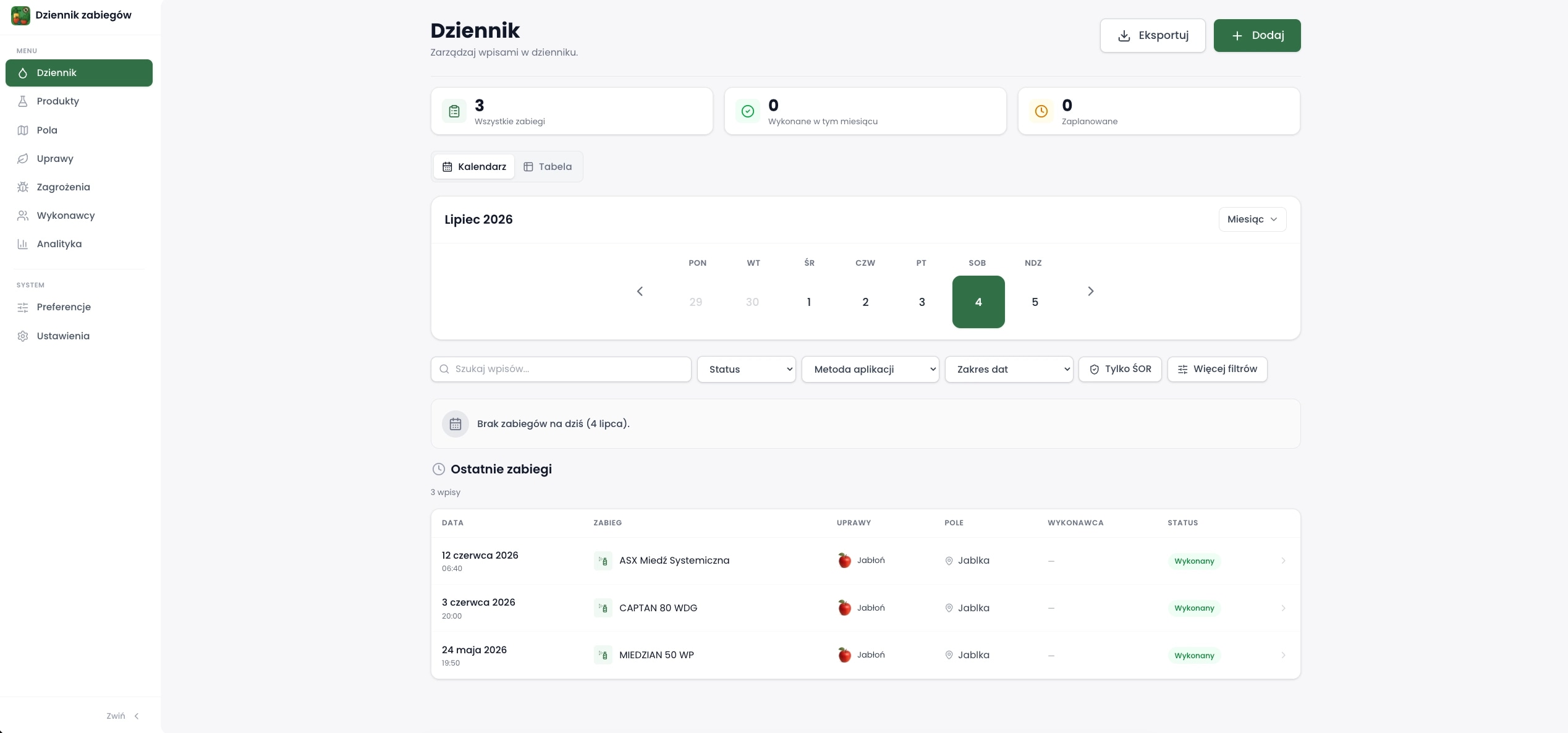
Everything you do on your phone is on your computer too. When you sit down at your desk, you can look through your treatment history, filter your data and work on a bigger screen.
Add your fields as they really look on the map.
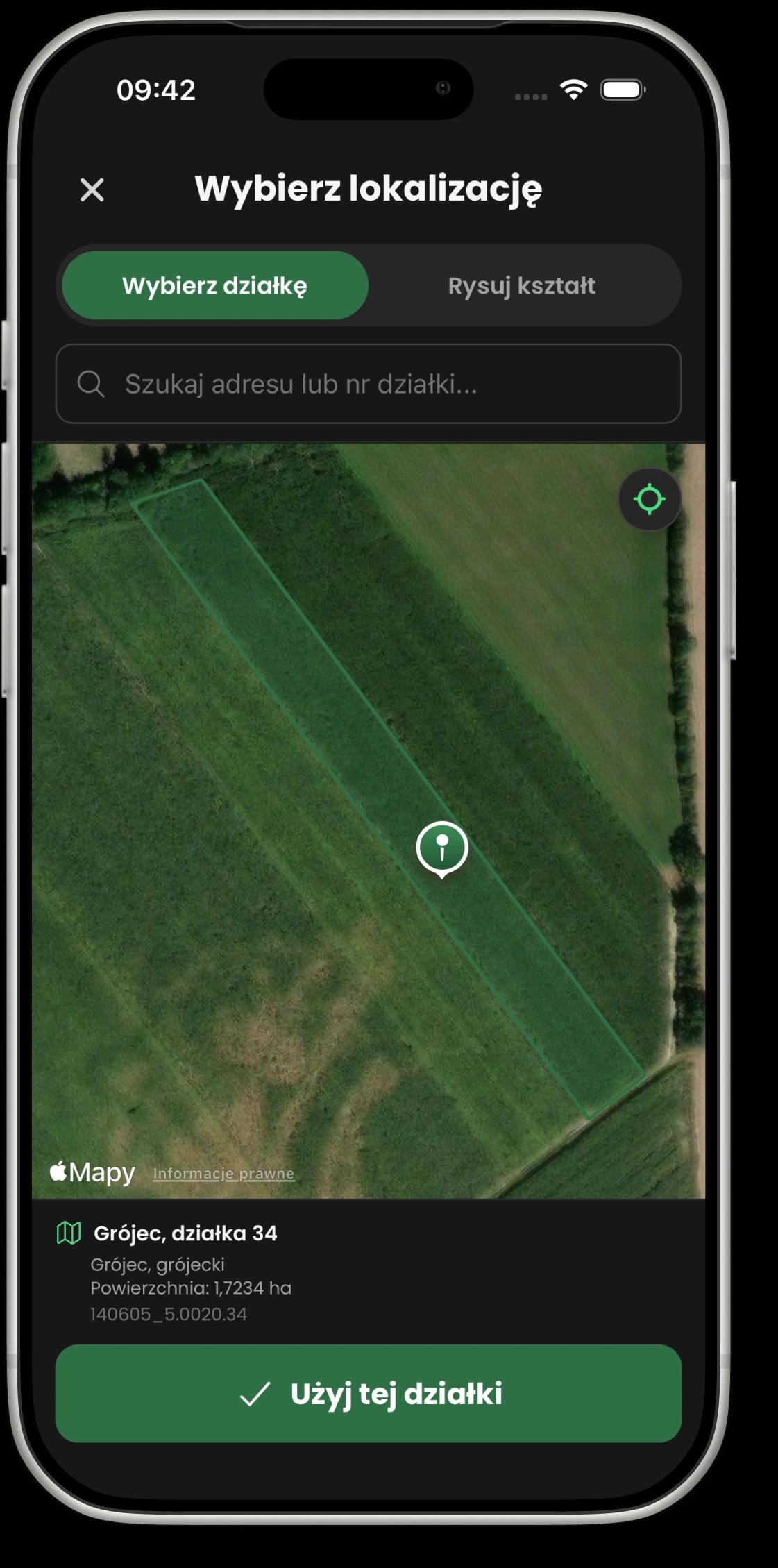
Find your field on the map or draw its outline yourself. Then add its area, crops and varieties, so recording treatments is quicker later on.
Find it on the map
Search for an address or place your field straight on the map.
Draw your own outline
When the boundaries need adjusting, draw the field shape point by point.
Crops and varieties
Give each field its crops, varieties and the area you need for your treatments.
Frequently asked questions
A few quick answers if you want to understand how the app works.
Yes. You can use the app for free, add crops and products, and create up to 3 journal entries: treatments, field work, harvests or notes. When you need more, you can switch to the Unlimited plan for unlimited entries.
Start recording treatments your way.
No notebook, no scattered paperwork and no jumping between different places. Everything you need sits right next to your everyday work.
Get started for freeiOSAndroid